
Link a Champaign County Case on myChampaignCourts
To manage Champaign County Court Ticket payments with myChampaignCourts, first link a case following these steps:
-
Sign in to your myChampaignCourts Profile (seeSign Up for a myChampaignCourts Profile)
-
Click Court Tickets
-
Search for a case by clicking Drivers License #, Citation #, or Court Case #

-
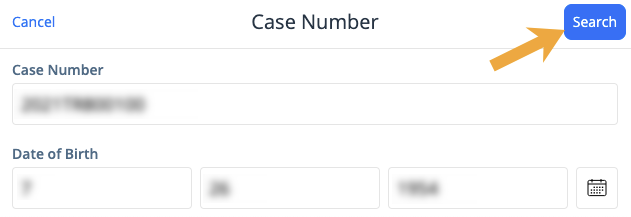
Enter the information and click Search
-
Select the blue circle for the case you wish to select and click Next
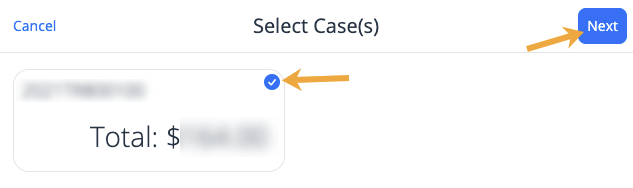
The case is now linked to your myChampaignCourts Profile. From here, you can click Pay to proceed and complete your payment (see Pay a Champaign County Case on myChampaignCourts), select Find another case(s) to link additional cases, or choose Remove a case(s) if you’d like to unlink one or more cases.