Change My Password on myChampaignCourts
You can manage your password in the Profile section of the myChampaignCourts app.
-
Sign in to your myChampaignCourts Profile
-
Click on the Profile icon in the upper right corner of the screen

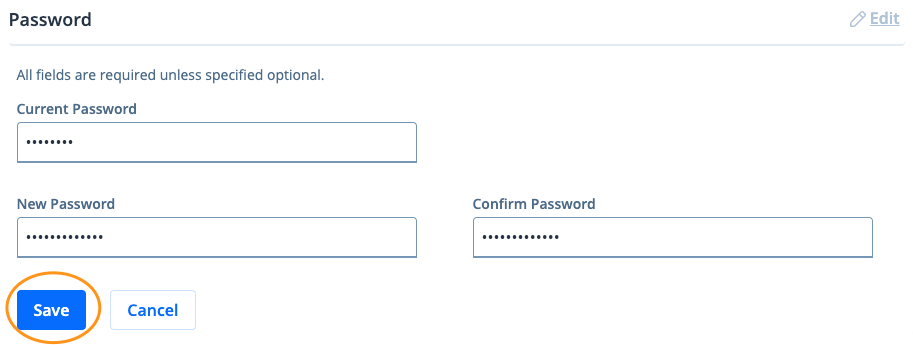
- Click Edit

4. Re-enter your Current Password. Next, enter and confirm the new password then click Save**